
MCP server · Freemium
Context7 MCP
Look up library documentation and examples from a compatible coding agent.
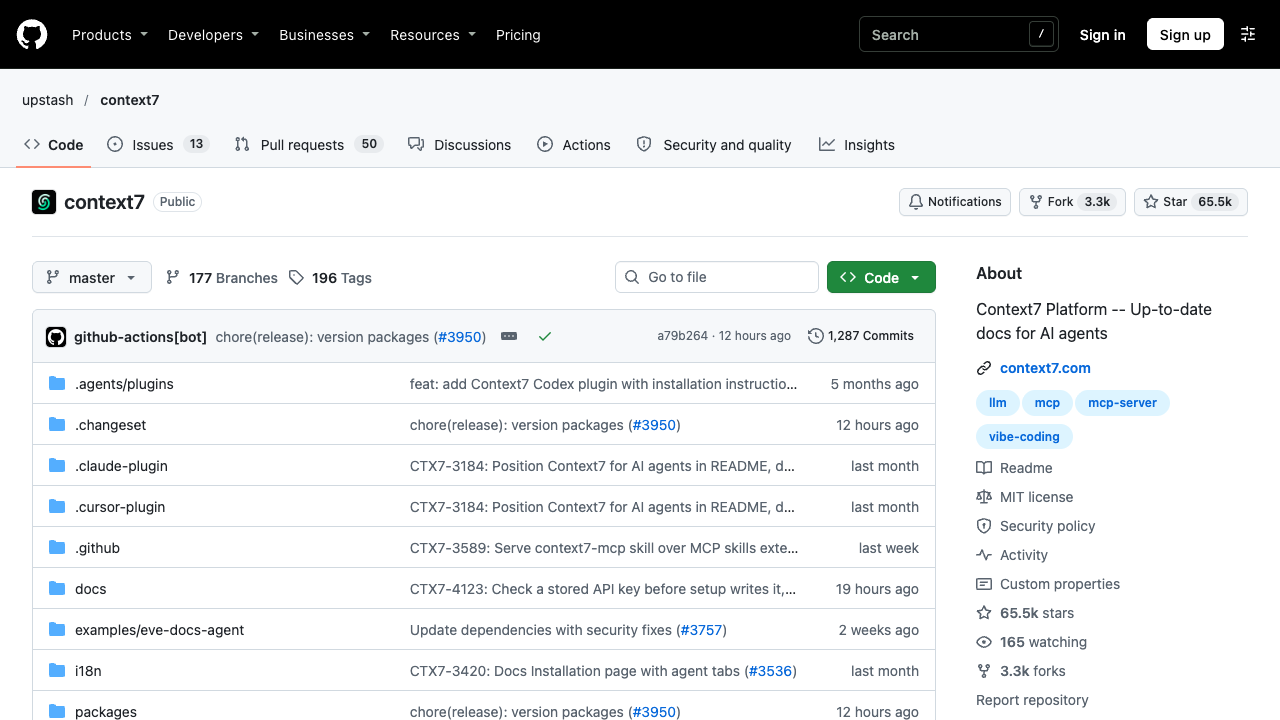
What it does
Upstash's Context7 MCP server fetches version-accurate library documentation and code snippets on demand so coding agents stop hallucinating outdated APIs.
Compatible clients
Cursor, Claude Code & Claude Desktop, VS Code (GitHub Copilot), OpenAI Codex CLI, Windsurf, Zed, and other MCP clients
Connection mode
Connect via the remote Context7 HTTP endpoint or run the local `npx` stdio wrapper. Example local stdio setup (add `--api-key` for higher rate limits):
Connection example
{
  "mcpServers": {
    "context7": {
      "command": "npx",
      "args": ["-y", "@upstash/context7-mcp"]
    }
  }
}
Permissions and first check
Read-only documentation lookup; no access to your local filesystem is required. Store any optional Context7 API key in your client config rather than committing it. Test by asking your coding agent: "Use context7 to show how Next.js 16 handles redirect() in a Server Component."
Related guides
Related tools
- GitHub MCP · Give a compatible AI client access to GitHub repositories, issues, and pull requests.
- Playwright MCP · Let an MCP client drive a browser for workflows such as form and UI checks.