
MCP server · Free
Playwright MCP
Let an MCP client drive a browser for workflows such as form and UI checks.
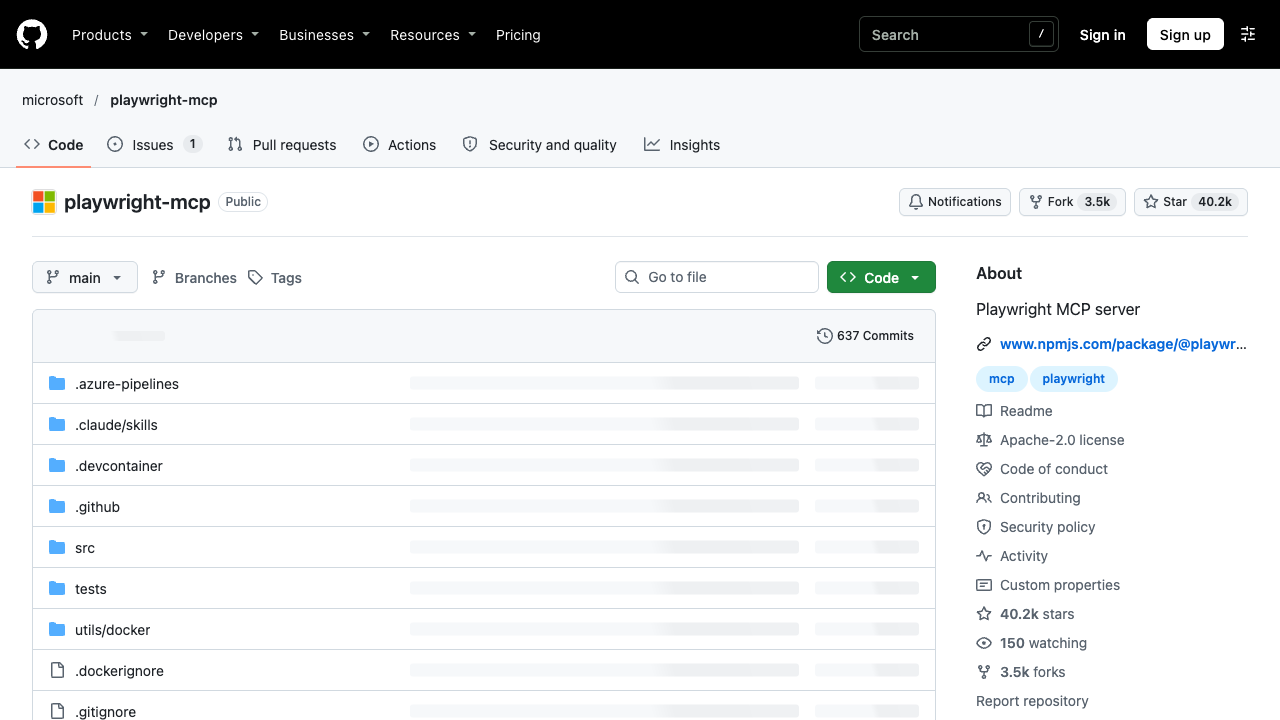
What it does
Microsoft's Playwright MCP server gives an AI client structured accessibility-tree browsing, clicking, form filling, and screenshot inspection for end-to-end UI verification and browser workflows.
Compatible clients
VS Code (GitHub Copilot), Claude Code & Claude Desktop, Cursor, OpenAI Codex CLI, Windsurf and any stdio/SSE MCP client
Connection mode
Runs locally over stdio via `npx` using Node.js and a Playwright-managed Chromium/Firefox/WebKit browser. Add this server entry to your MCP client config:
Connection example
{
  "mcpServers": {
    "playwright": {
      "command": "npx",
      "args": ["@playwright/mcp@latest"]
    }
  }
}
Permissions and first check
Runs locally with your user permissions and launches an isolated browser profile by default. Point it at your local dev server (`http://localhost:3000`) and ask it to submit a blank signup form and verify that inline validation errors render.
Related guides
Related tools
- GitHub MCP · Give a compatible AI client access to GitHub repositories, issues, and pull requests.
- Context7 MCP · Look up library documentation and examples from a compatible coding agent.