
MCP server · Free
GitHub MCP
Give a compatible AI client access to GitHub repositories, issues, and pull requests.
What it does
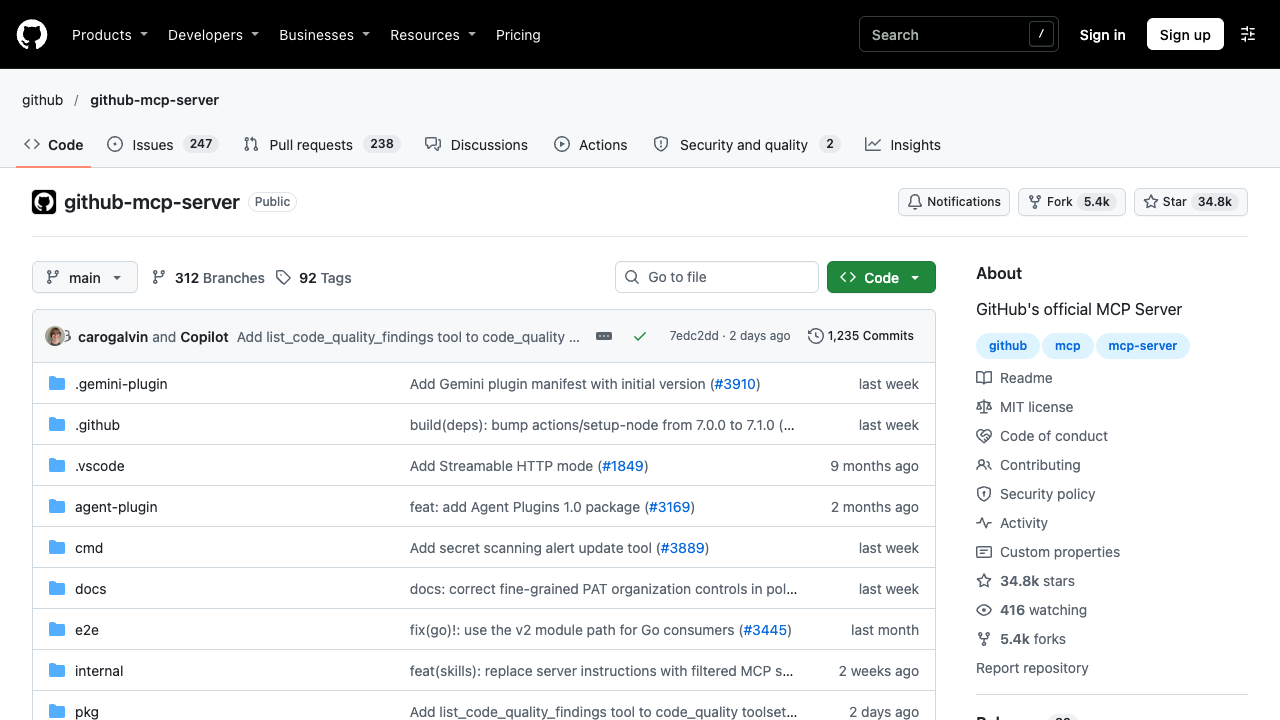
GitHub's official MCP server exposes repository files, issues, pull requests, actions, and code search directly to MCP-compatible AI assistants without ad-hoc scraping.
Compatible clients
VS Code (GitHub Copilot Agent mode), Cursor, Claude Code & Claude Desktop, OpenAI Codex CLI, Windsurf and other standard MCP clients
Connection mode
Supports both GitHub's hosted remote MCP endpoint (OAuth or PAT) and a local Docker stdio server. Example MCP client configuration for the hosted remote endpoint:
Connection example
{
  "mcpServers": {
    "github": {
      "type": "http",
      "url": "https://api.githubcopilot.com/mcp/",
      "headers": {
        "Authorization": "Bearer ${GITHUB_PERSONAL_ACCESS_TOKEN}"
      }
    }
  }
}
Permissions and first check
Start with a fine-grained Personal Access Token scoped to read-only access on one repository (or OAuth in VS Code) and restrict toolsets if you do not want write actions. Test by asking your client to summarize the last 5 merged pull requests in a repository you can access.
Related guides
Related tools
- Playwright MCP · Let an MCP client drive a browser for workflows such as form and UI checks.
- Context7 MCP · Look up library documentation and examples from a compatible coding agent.